
Put the Whole Property Journey in Your Buyer's Pocket.
Track bookings, payments, documents and construction updates — anytime, anywhere. No spreadsheets, no follow-up calls, no confusion.
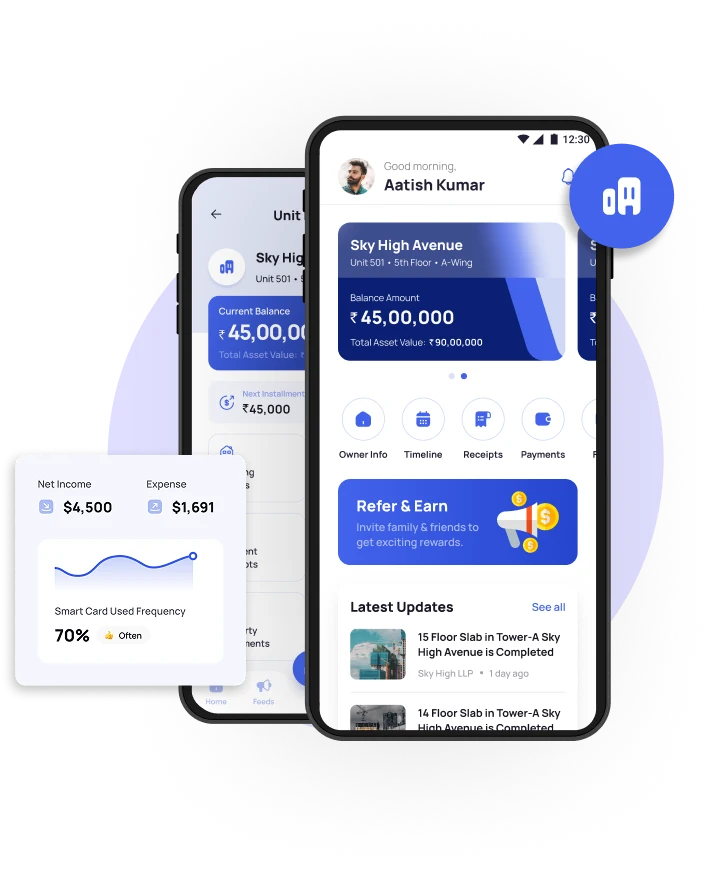
Why this module exists
Without a buyer-facing app
- Buyers call the sales office to ask what they owe and when the tower will be ready
- Receipts and agreements are re-sent by email every time a buyer misplaces them
- Construction progress reaches the buyer only when someone remembers to send photos
- Sales staff spend hours a day on balance enquiries instead of selling
- Overseas buyers have no way to see the project between visits
How the Customer App changes the relationship
The buyer gets the same record your team sees — unit details, full payment schedule, receipts, documents and photo-backed construction progress — available at any hour without calling anyone. Buildesk clients report inbound support calls falling by up to 70% once buyers are onboarded.
Inside Customer Application
Each capability below has its own screen in Buildesk. Every screenshot slot names the exact image file it expects.
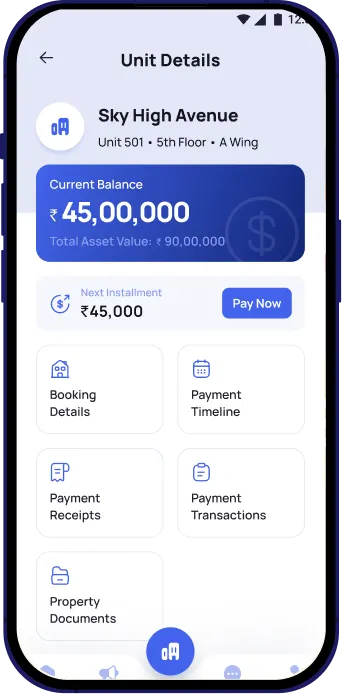
Home & Booking Overview
See unit details, project status and booking summary in one glance. Always know where the home stands.
- Unit number, tower, floor, area and booking date
- Project status at a glance
- Everything on the first screen
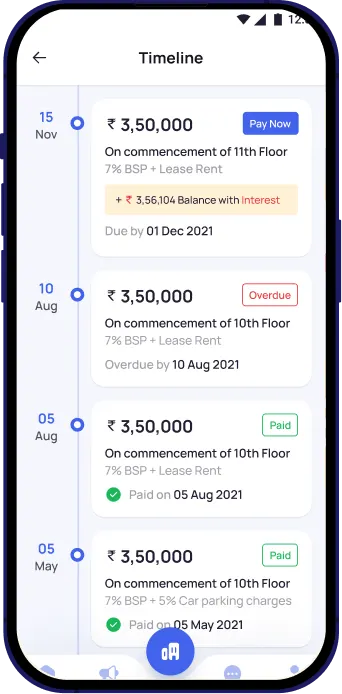
Payment Schedule & Tracking
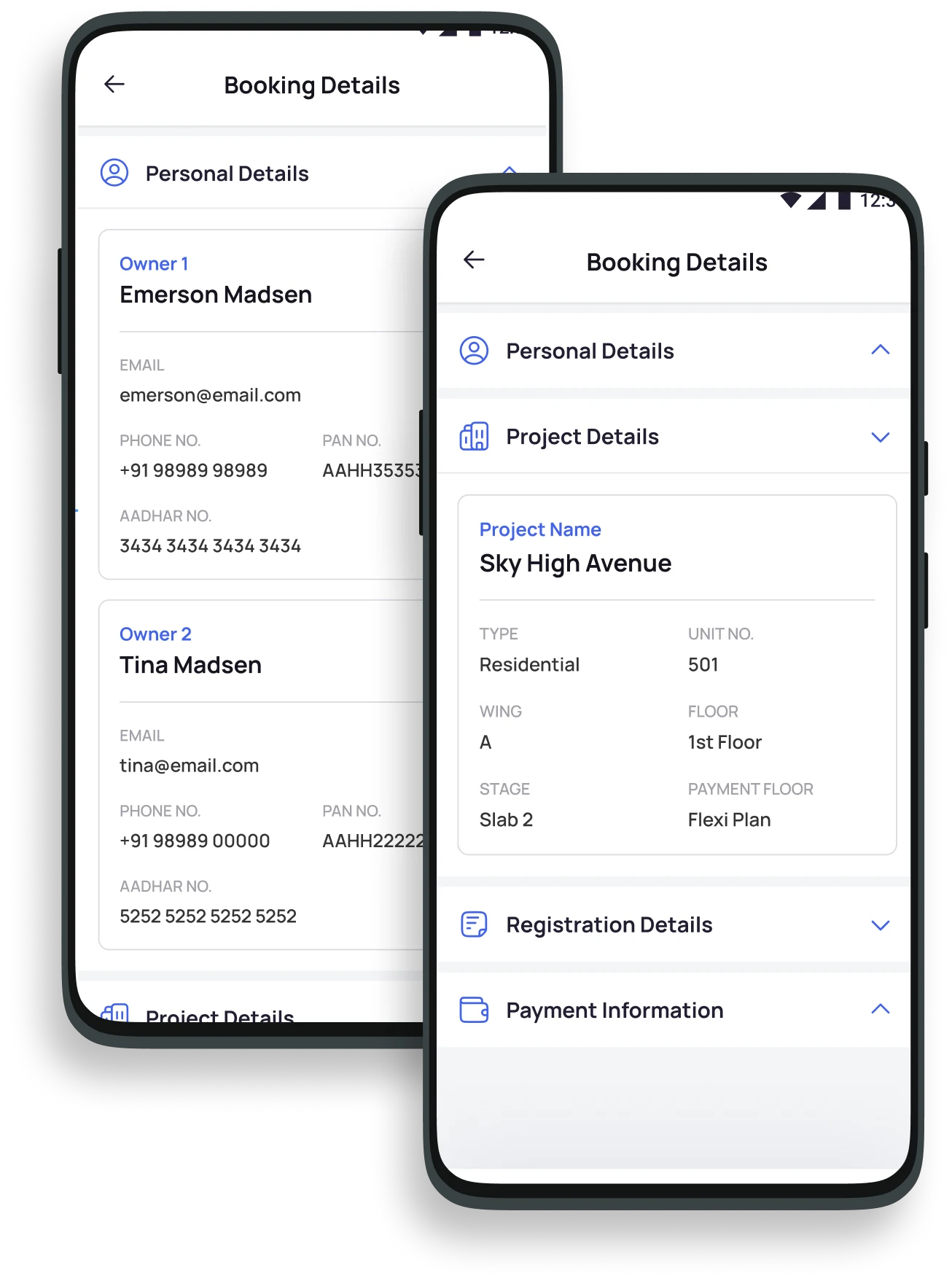
Track every payment milestone — paid, upcoming and due. Stay informed, never surprised.
- Full breakdown of past receipts and future milestones
- Exact amounts against each milestone
- Online payment with instant digital receipt
Document Vault
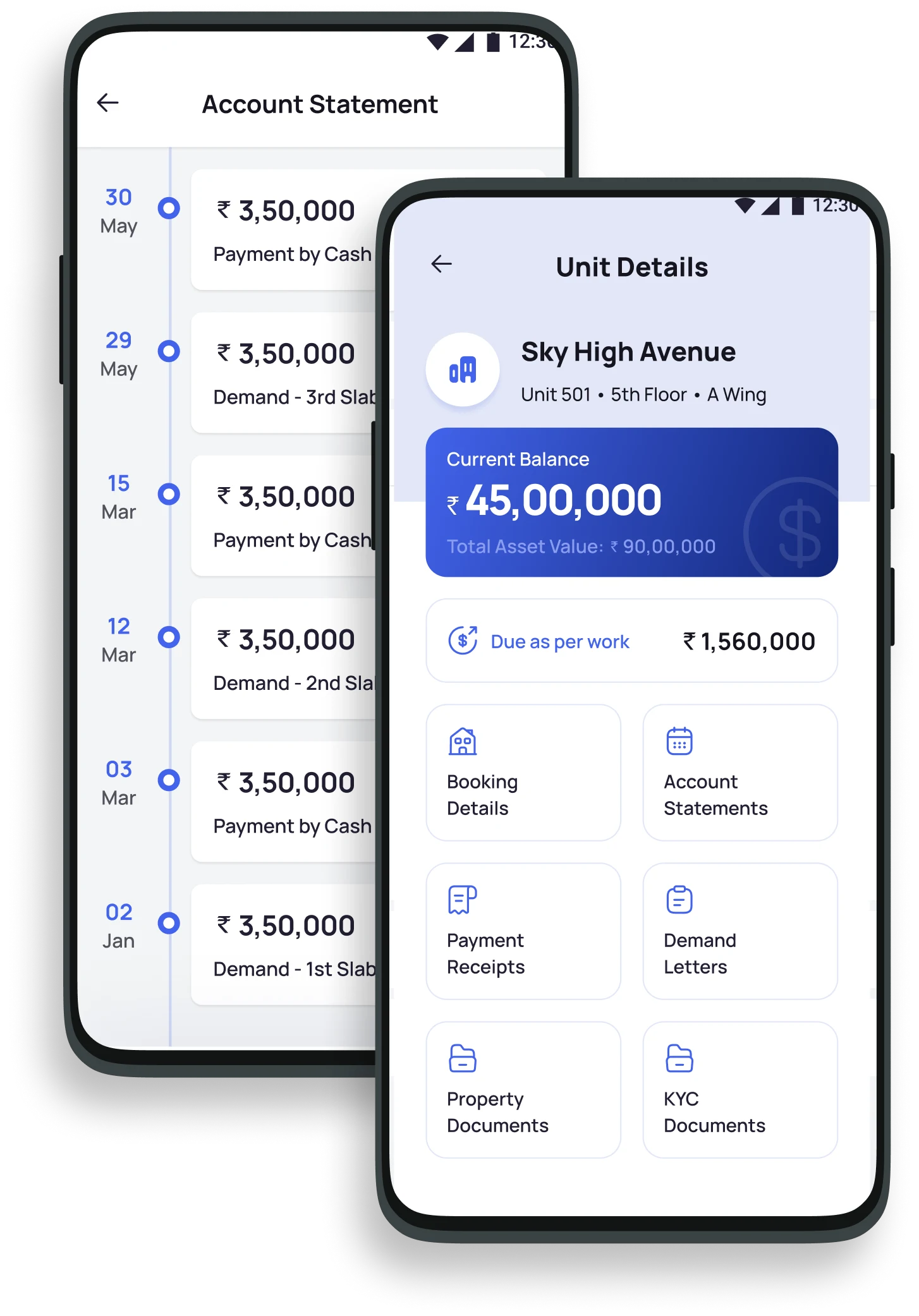
Access and download all key documents anytime — secure, paperless and always within reach.
- Booking agreement and allotment letter
- Payment receipts on demand
- Secure, permission-controlled access
Construction Progress
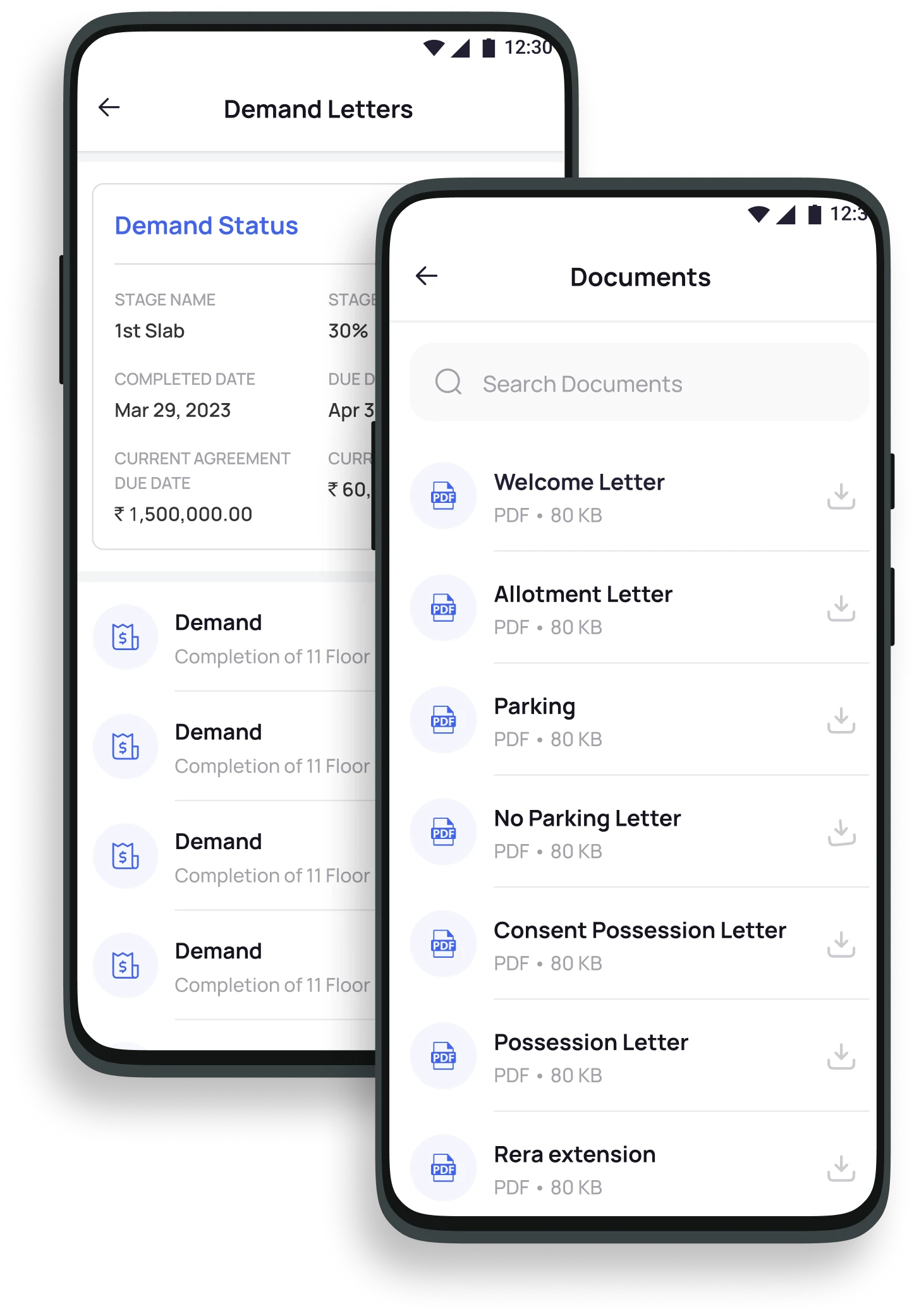
Track project progress with real-time milestone updates and photos shared by the developer.
- Milestone updates as the site certifies them
- Site photos published by the developer
- Progress visible without a site visit
Smart Reminders & Notifications
Instant alerts on payments, construction milestones and important developer announcements.
- Payment due and receipt confirmations
- Milestone and announcement alerts
- Fewer missed instalments
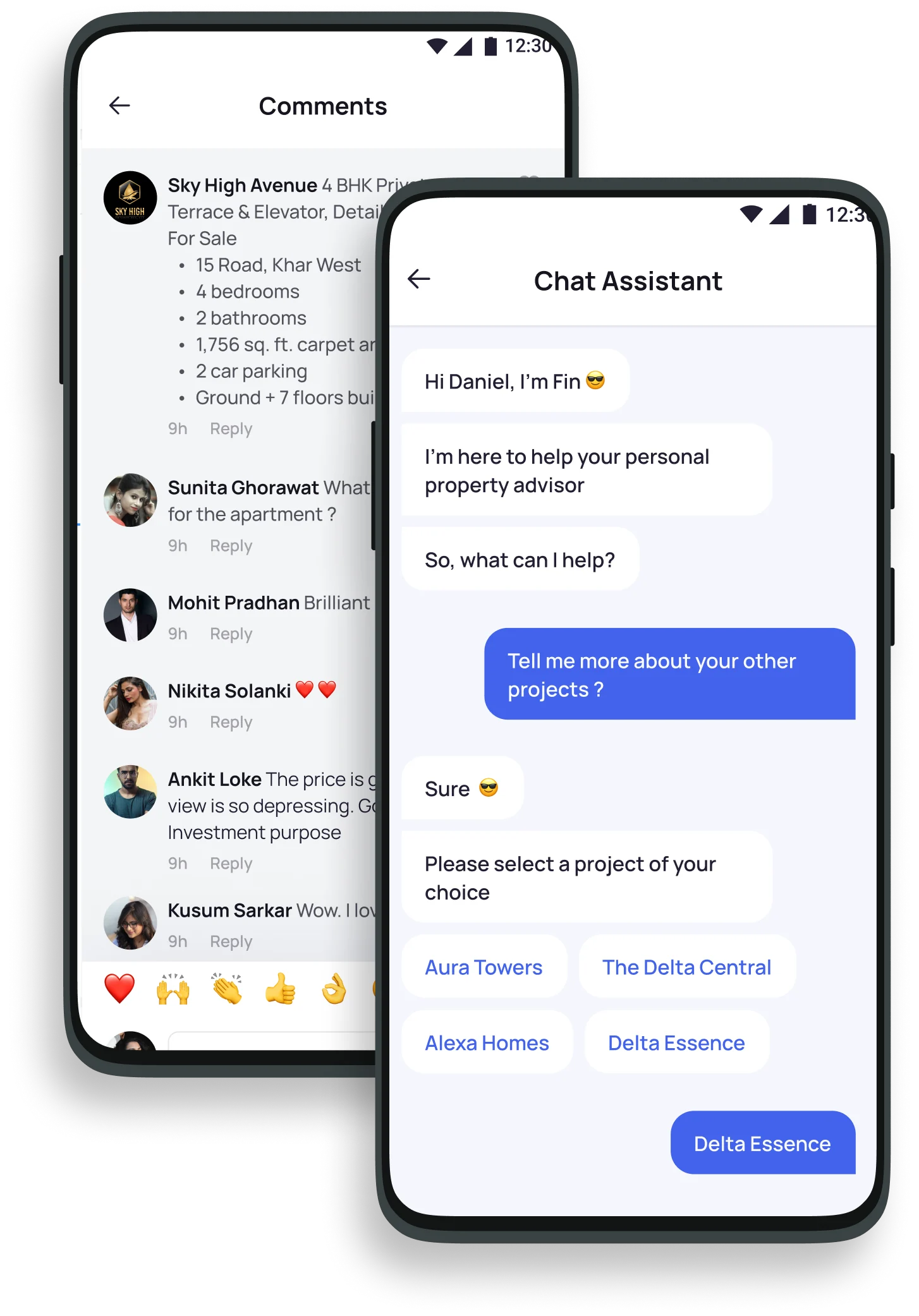
Raise a Query
Raise questions in the app and get quick responses from the developer — no more follow-up calls.
- Tickets raised and tracked in-app
- Resolution status visible to the buyer
- Support load off the sales team
What the buyer does in the app
Who uses Customer Application day to day
Dubai's buyer base is largely remote
Dubai draws heavily on international and expatriate buyers, and Dubai Land Department reporting for 2025 records a substantially expanded investor base including a large share of first-time investors. Many are not in the emirate, cannot drop into the sales office, and are buying off-plan against a construction timeline they will never see in person. A self-service app carrying the payment schedule, the receipts, the documents and photo progress updates is the practical substitute for a site visit — and it is what removes the standing volume of balance-enquiry calls from a sales team that should be selling.
Market and regulatory context is background only and is not legal advice. Product capabilities described on this page are those of the Buildesk platform.
Show your buyers what they'll actually see
We'll demo the Customer App exactly as your buyers would experience it, on your project data.
Buildesk is an interconnected ecosystem
Customer Application shares its data with these modules — no exports, no re-entry.
Customer Application — common questions
What can buyers do on the Customer App?
Is the Customer App available on iOS and Android?
How does the app help with payment tracking?
Can buyers raise service requests through the app?
How do buyers get access?
See Buildesk on your project structure
A 30-minute live walkthrough using your unit mix, payment plans and construction stages — not a generic slide deck.
- Response within one business day from our UAE team.
- Typical go-live in 4–6 weeks with a dedicated onboarding specialist.
- Written quotation tailored to your portfolio after the call.
- No obligation. Bring your finance and site leads to the same call.
Book your live ERP demo
Tell us about your projects and our UAE team will walk you through Buildesk on your own structure. Response within one business day.
Request received
Our UAE team will contact you within one business day. For anything urgent, WhatsApp us on +91 72080 62302.